

Deployment logs
Each time you runao deploy, AO creates a deployment record. Open any deployment from your dashboard to see its build metadata and logs.
Details
Build logs
Build logs capture the output of the container build process, dependency installation, image layering, and any errors that occur before your agent is ready to run. Lines written tostderr are highlighted in red.
Run logs
Every time your agent executes, AO captures a full record of that run. Open any run from the deployment detail page to see its metadata and logs.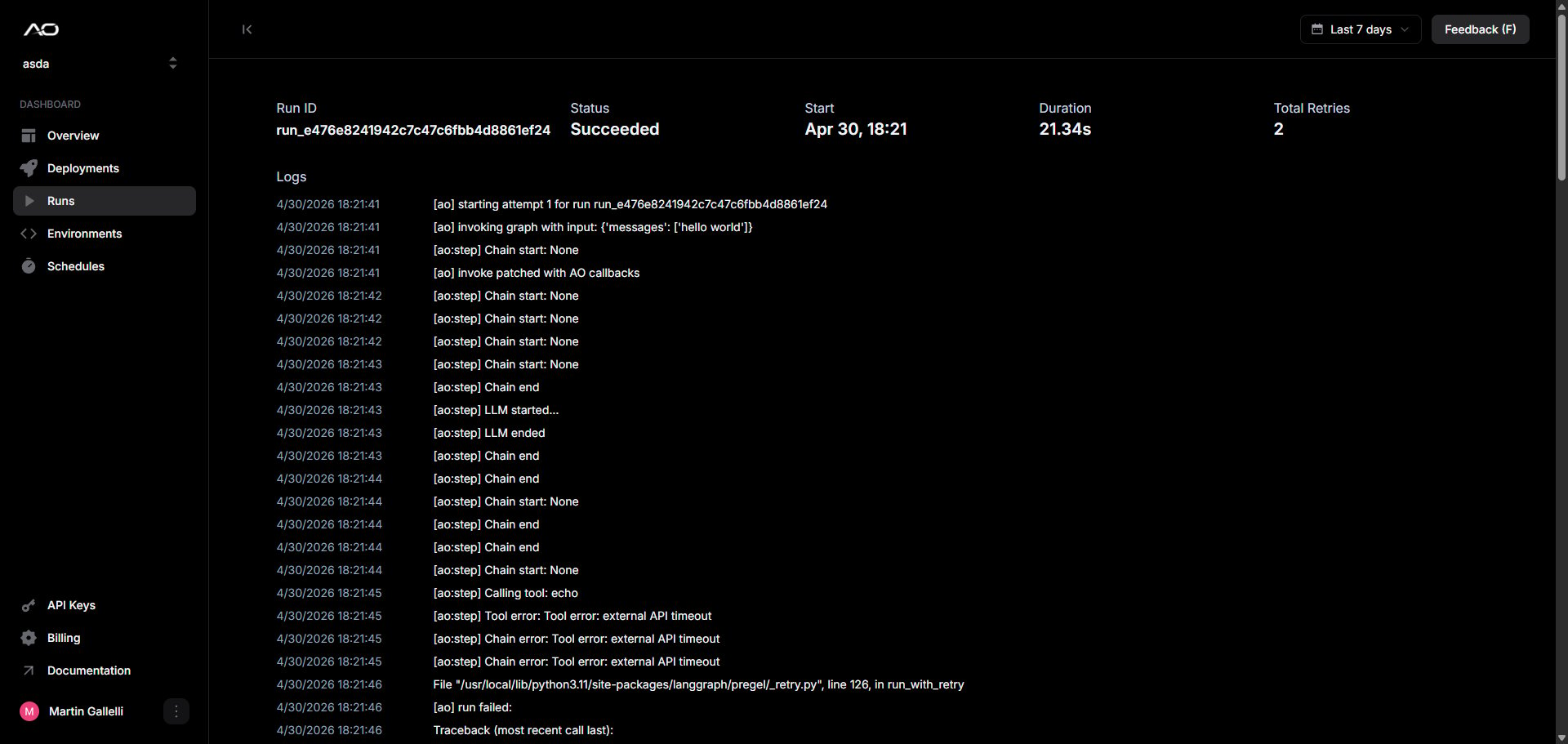
Details
Agent logs
Logs are captured from your agent’s stdout and stderr streams in chronological order. Lines written tostderr are highlighted in red.
If your agent spawns concurrent tasks, lines from different threads may
interleave.