

Overview
Environment variables let you inject secrets and configuration into your agent at runtime. API keys, database URLs, feature flags, anything your code reads fromos.environ.
Variables are scoped to an environment (Production, Preview, or Development) and are automatically available inside every run that targets that environment.
Managing variables
Open your project dashboard and navigate to the Settings tab. The Environment Variables section lists all variables currently configured for your workspace.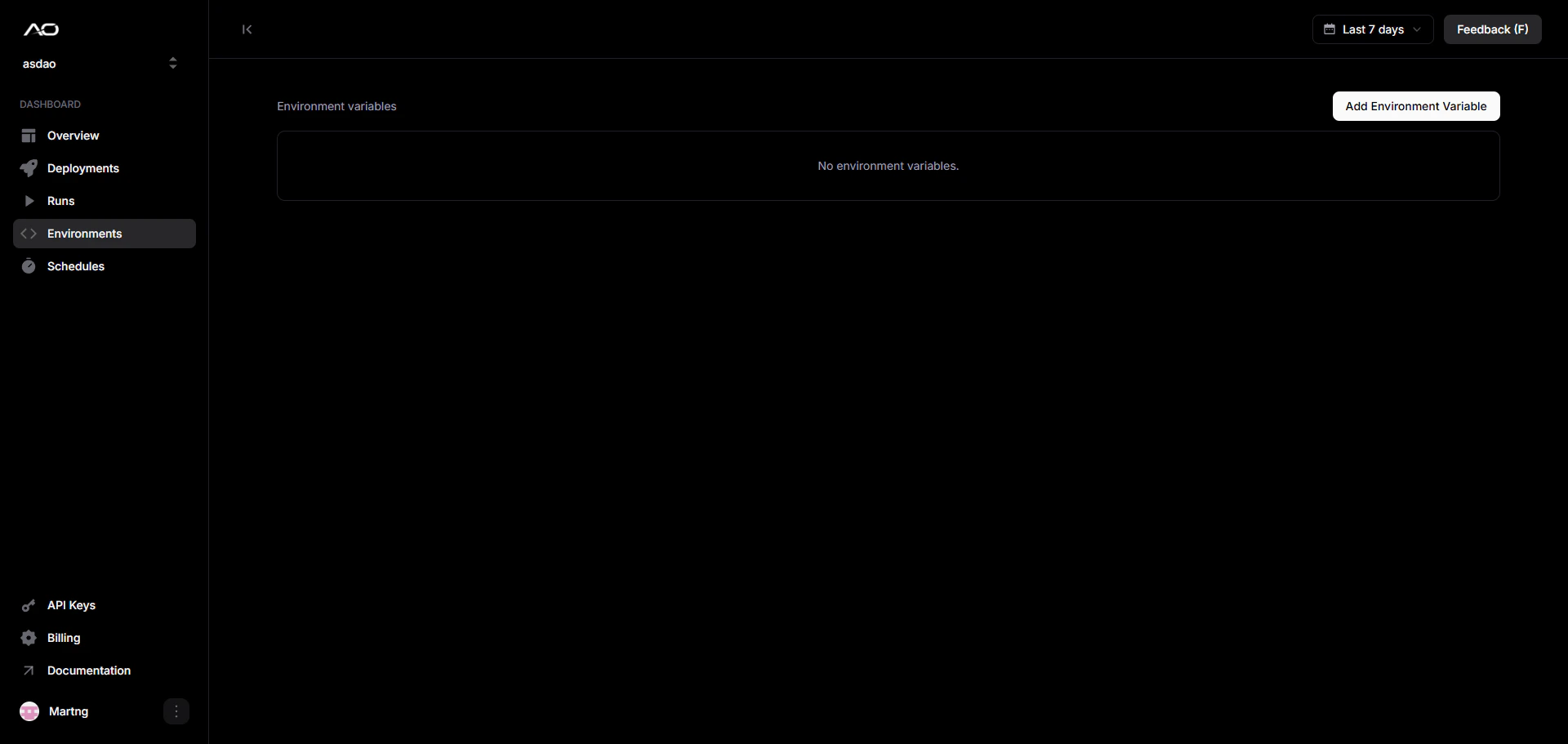
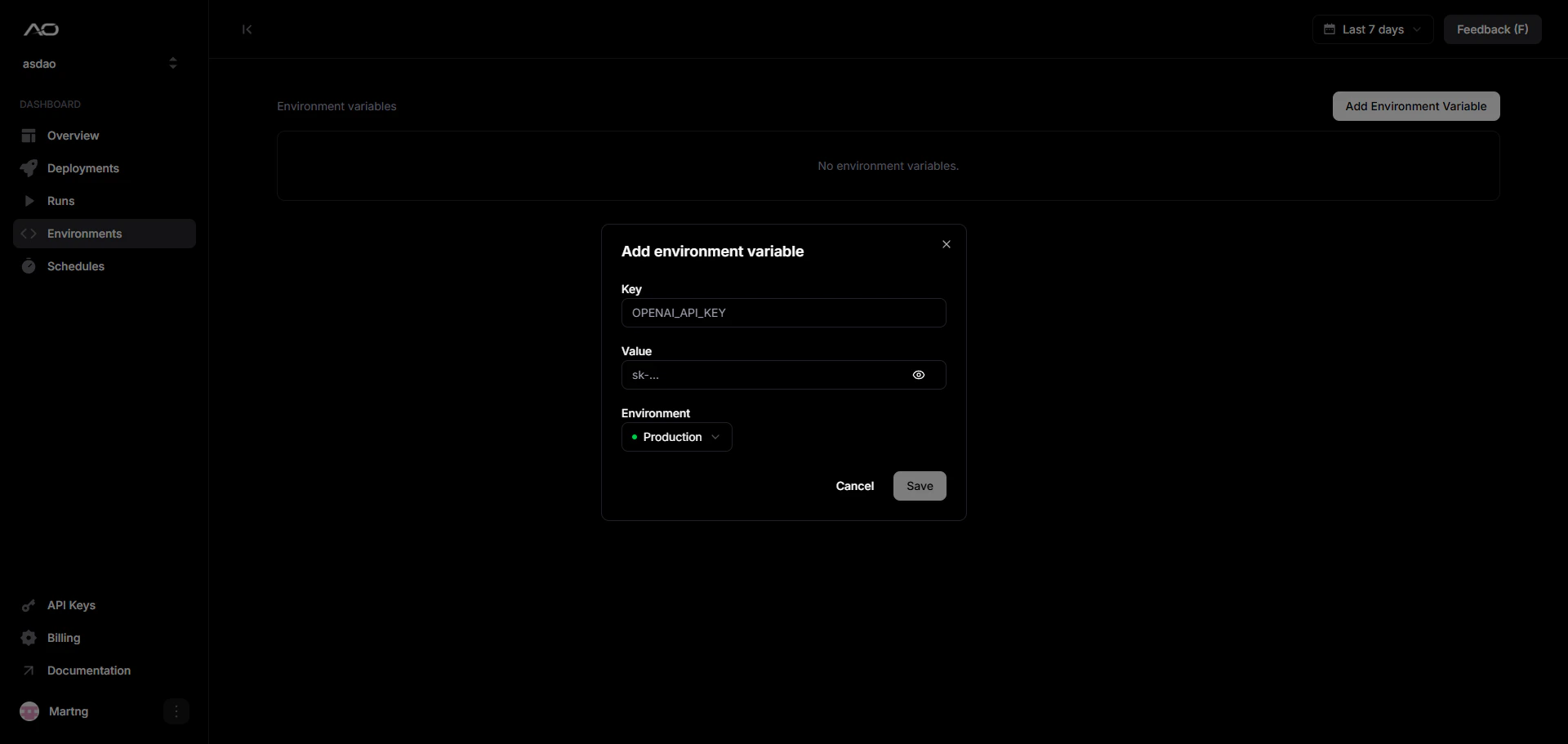
Values are masked after saving. Click the eye icon on any row to reveal the
value temporarily.
Accessing variables at runtime
Variables are injected as standard environment variables. Read them the same way you would in any Python process:Security
- Values are encrypted at rest and never exposed in logs or run output.
- Variables are only decrypted inside the isolated container at run start.
- Deleting a variable takes effect on the next run, in-flight runs are not affected.